Introduction : The Invisible Data Drain of Stock Mobile OS

In our hyper-digitized world, most consumers assume that buying a flagship smartphone from major manufacturers guarantees absolute digital privacy. Yet, beneath the polished user interfaces of stock Android and iOS lies an invisible, constant telemetry engine. Every location ping, background telemetry report, and unrequested diagnostic packet is quietly siphoned back to corporate servers.
For intermediate and advanced tech enthusiasts seeking true digital sovereignty, factory operating systems are black boxes. To break free from this surveillance ecosystem, power users turn to open-source custom operating systems built on the Android Open Source Project (AOSP).
However, diving into the world of custom ROMs requires more than just following a random internet tutorial; it demands a clear technical understanding of what projects like GrapheneOS and LineageOS offer, along with a realistic assessment of their operational hurdles.
[Author's Perspective : The Shift from Convenience to Digital Ownership]
As someone who has spent years dissecting mobile operating systems and hardware security layers, I remember my first botched custom ROM installation—a terrifying 'hard brick' that turned a high-end phone into an expensive paperweight. That painful lesson taught me that mastering custom operating systems isn’t about chasing geek clout; it’s about understanding the architectural gap between consumer convenience and hard engineering security. When you transition to a transparent, open-source OS, you stop being the product and finally become the sole administrator of your device.
1. Understanding AOSP and the Philosophy of Open-Source Operating Systems

To understand custom operating systems, we must first look at their foundation: AOSP (Android Open Source Project). Google develops Android as an open-source core, meaning the foundational code is publicly viewable and modifiable. However, the standard version of Android shipped by phone manufacturers is heavily bloated with proprietary binaries, tracking frameworks, and closed-source Google Play Services.
Open-source custom operating systems strip away this corporate telemetry. They fall into two distinct philosophical categories:
- Privacy-First & Hardened Security ROMs (e.g., GrapheneOS): Designed to maximize hardware security features and minimize the system's attack surface, often prioritizing elite cryptographic isolation over broad device compatibility.
- Freedom & Longevity-First ROMs (e.g., LineageOS): Designed to extend the lifespan of older, abandoned hardware, remove manufacturer bloatware, and restore open-source freedom across hundreds of different device models.
2. GrapheneOS : The Gold Standard for Hardware-Backed Security
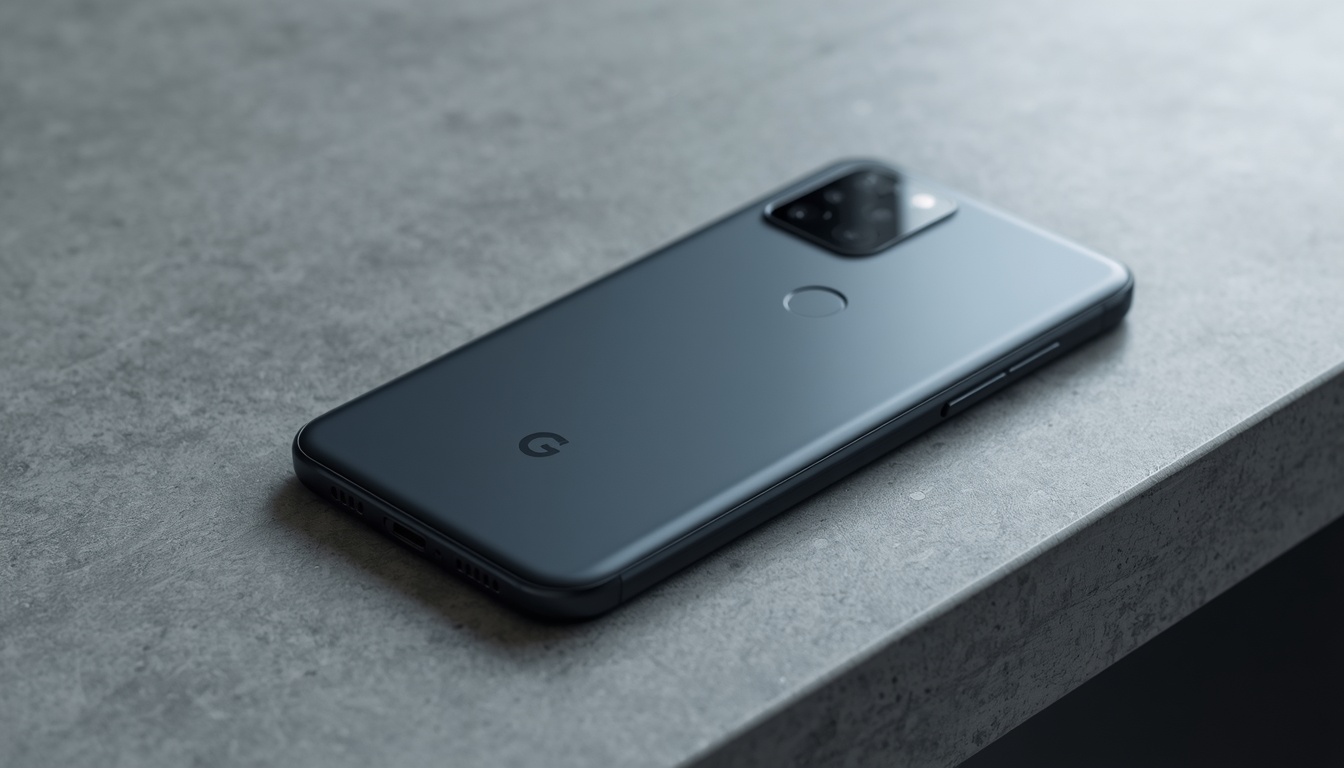
For users whose primary concern is absolute privacy and impenetrable cybersecurity, GrapheneOS stands as the undisputed gold standard in the mobile security landscape.
Unlike typical custom ROMs that simply swap out themes or remove apps, GrapheneOS completely re-engineers the security architecture of compatible Google Pixel devices:
- Hardware-Backed Cryptographic Integration: GrapheneOS leverages the dedicated hardware security chips found in modern Google Pixel devices (such as the Titan M/M2 and Tensor security cores) to enforce Verified Boot, hardware-bound disk encryption, and secure memory allocation.
- The Sandboxed Google Play Innovation: Historically, privacy-focused ROMs forced users to choose between absolute privacy (breaking all apps requiring Google Play) or total exposure. GrapheneOS solved this industry-wide dilemma with Sandboxed Google Play. Instead of granting Google Play Services deep system-level root access, GrapheneOS treats Google Play as a normal, isolated app with zero special privileges. It can be installed, revoked, or wiped instantly without compromising the core OS.
- Exploit Mitigation & Memory Hardening: GrapheneOS implements aggressive exploit mitigation techniques, hardened memory allocators, and JIT (Just-In-Time) compilation hardening, making remote code execution and zero-day exploits exponentially more difficult and expensive for bad actors.
3. LineageOS : The Ultimate Tool for Hardware Longevity and Freedom
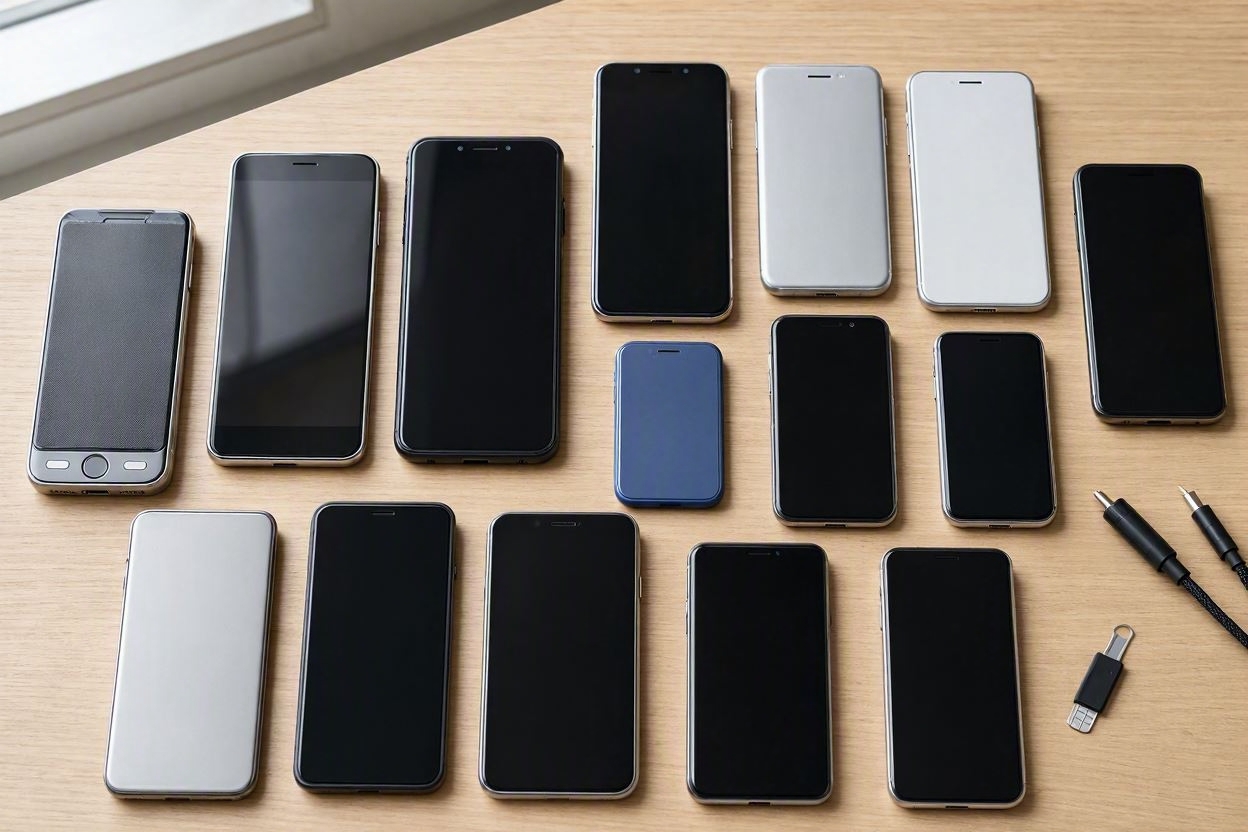
While GrapheneOS is strictly optimized for modern Google Pixel hardware, LineageOS (the spiritual successor to the legendary CyanogenMod) serves a completely different, highly practical mission: hardware longevity and device freedom.
- Reviving Abandoned Hardware: Major smartphone manufacturers typically drop software and security updates after 3 to 5 years, forcing functional hardware into landfills. LineageOS provides clean, regularly updated AOSP-based builds for hundreds of distinct device models, from Samsung Galaxy flagships to budget Xiaomi and Motorola phones.
- The Open Ecosystem Freedom: LineageOS allows users to completely escape manufacturer bloatware while retaining the flexibility to choose their level of Google integration (ranging from a completely de-Googled "microG" setup to flashing standard Open GApps packages).
- Custom Kernel Support: For advanced power users who want to tweak CPU governors, thermal limits, or display color calibrations, LineageOS offers an open architecture for deep system-level customization.
4. Risk Balancing & Hard Technical Realities (The Catch)
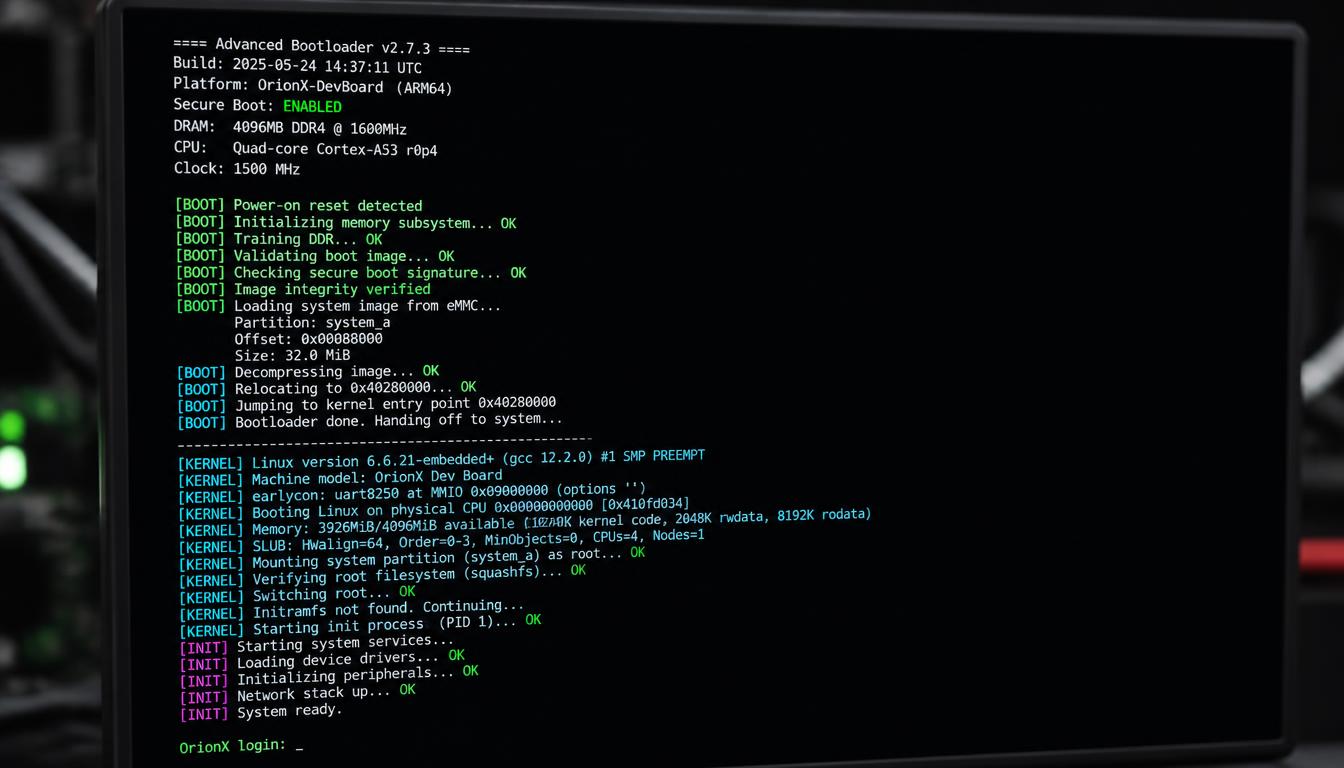
Before downloading flashing tools or unlocking bootloaders, advanced users must weigh the severe operational trade-offs and risks involved:
- The Banking App & Play Integrity Hurdle: Modern financial institutions, payment gateways, and secure corporate applications rely heavily on Google's Play Integrity API to verify that a device is running unmodified, manufacturer-certified software. While GrapheneOS brilliantly bypasses this obstacle via Sandboxed Google Play (allowing banking apps to function normally), running LineageOS on an unlocked bootloader often trips Play Integrity checks, and restoring compatibility typically requires additional configuration that can be unreliable and prone to breaking with system updates.
- The Installation & "Bricking" Risk: Flashing a custom ROM requires unlocking your phone's bootloader, executing command-line fastboot scripts, and flashing device partitions. A single interruption (such as a loose cable, sudden power loss, or driver error) during the partition-writing phase can permanently "brick" your device into an unrecoverable state.
- Carrier and VoLTE Compatibility Issues: Depending on your regional carrier and the specific device model, custom ROMs can sometimes disrupt native VoLTE (Voice over LTE), Wi-Fi calling, or specialized 5G carrier band aggregations, occasionally breaking standard voice call functionality until proper configuration files (APNs) are manually injected.
5. Reddit Insights : What Advanced Users Actually Experience
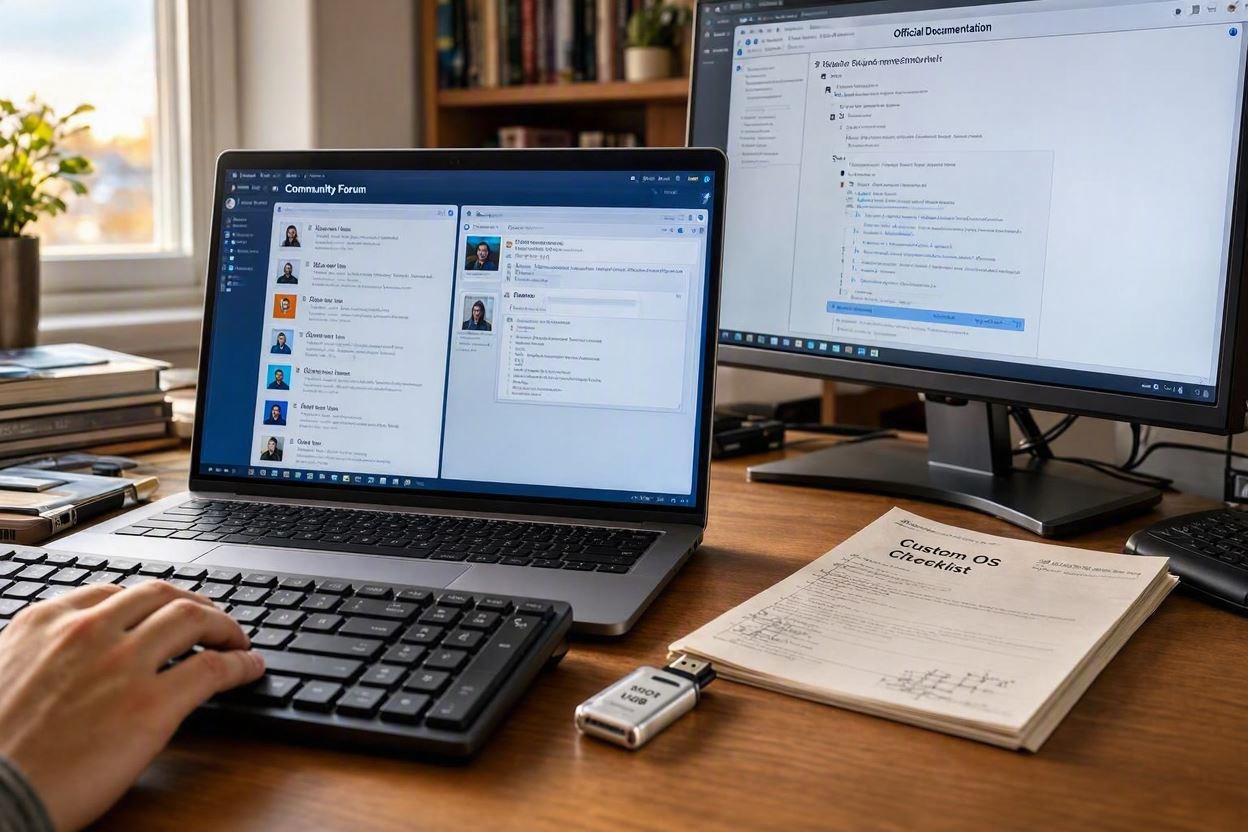
Discussions across developer forums and communities like r/GrapheneOS and r/LineageOS highlight several critical real-world takeaways for 2026:
- The Pixel + GrapheneOS Consensus: Reddit’s privacy community overwhelmingly agrees that if you want a secure daily driver that passes banking checks without sacrificing privacy, buying a used or current Google Pixel and flashing GrapheneOS is the most practical, foolproof route available.
- The LineageOS Lifespan Strategy: Power users on LineageOS threads frequently emphasize using older, otherwise obsolete flagship phones (like 4-to-5-year-old OnePlus or Samsung devices) as secondary secure hotspots or media centers, maximizing ecological and financial value.
- The Maintenance Burden: Experienced contributors consistently warn beginners that custom ROMs are not "set-and-forget" systems. Major Android version upgrades often require manual clean-flashing or sideloading updates, demanding a baseline level of technical patience.
Conclusion & Actionable Roadmap : Where to Go From Here
Transitioning from stock operating systems to open-source custom ROMs like GrapheneOS or LineageOS is not a casual weekend project; it is a deliberate commitment to digital ownership. Whether you choose the elite hardware-hardened security of GrapheneOS on a Pixel or the versatile hardware revival offered by LineageOS, stepping away from corporate telemetry represents the ultimate form of modern digital minimalism. True privacy doesn't pre-install itself—it is built by design.
However, because flashing a custom ROM involves unlocking bootloaders and executing low-level partition commands that vary wildly by device model, attempting it blindly without a structured roadmap is a recipe for disaster. To ensure a successful, brick-free transition, never rely on random, unverified YouTube tutorials. Instead, rely strictly on primary developer documentation and elite community hubs:
- For GrapheneOS Explorers: Bookmark the official GrapheneOS Installation Guide (grapheneos.org/install), which features an automated, web-based flashing tool designed specifically for supported Google Pixel devices.
- For LineageOS Builders: Visit the official LineageOS Wiki (wiki.lineageos.org), where you can look up your exact device model code (codename) for step-by-step, model-specific flashing instructions.
- For Real-World Troubleshooting: Join active community hubs like Reddit’s r/GrapheneOS and r/LineageOS, or the XDA Developers Forums, where seasoned engineers and contributors actively discuss bug fixes, carrier compatibility, and update procedures.
[What’s Next?]
Because a single introductory overview cannot safely cover the raw command-line procedures, PC driver configurations, and ADB/Fastboot setups required for every device, we will dedicate our upcoming deep-dive post to a Step-by-Step Practical Flashing Framework. Stay tuned as we break down how to safely connect your device, handle bootloader states, and execute your very first custom OS installation without risking your hardware.
[Personal Reflection : The Small Victories of Digital Customization]
"Years ago, long before I ever flashed a full custom ROM, I bought an inexpensive budget tablet that arrived completely choked with aggressive manufacturer bloatware, unremovable utility apps, and background trackers. Out of sheer frustration, I hooked it up to my PC, fired up ADB (Android Debug Bridge), and systematically stripped out every single piece of corporate garbage. I even tossed the clunky default web browser, sideloaded Samsung's browser because it fit my workflow infinitely better, and carefully populated the device with apps tailored precisely to my taste. When I finally stepped back and looked at a clean, lightning-fast screen that I had personally sculpted, that small, hard-won victory brought a genuine smile to my face.
That tinkering mindset—the stubborn desire to make a device truly your own—is what ultimately bridges the gap from simple de-bloating to full operating system independence. When you finally boot up a freshly flashed custom OS like GrapheneOS or LineageOS, greeted by a setup screen entirely devoid of corporate telemetry, that same feeling of quiet liberation returns multiplied tenfold. It comes with a responsibility, of course—you become your own IT department, security patch manager, and system administrator. But for those willing to embrace that learning curve, the reward isn't just better battery life or a resurrected device; it's the quiet confidence of knowing that every single byte of data on your phone belongs strictly to you."
[Disclaimer]
This content is provided for informational purposes only and does not constitute technical, engineering, or legal advice. Flashing custom operating systems, unlocking bootloaders, or modifying device firmware carries inherent risks, including potential hardware bricking or loss of warranty. All installation decisions are at the sole discretion of the reader.